
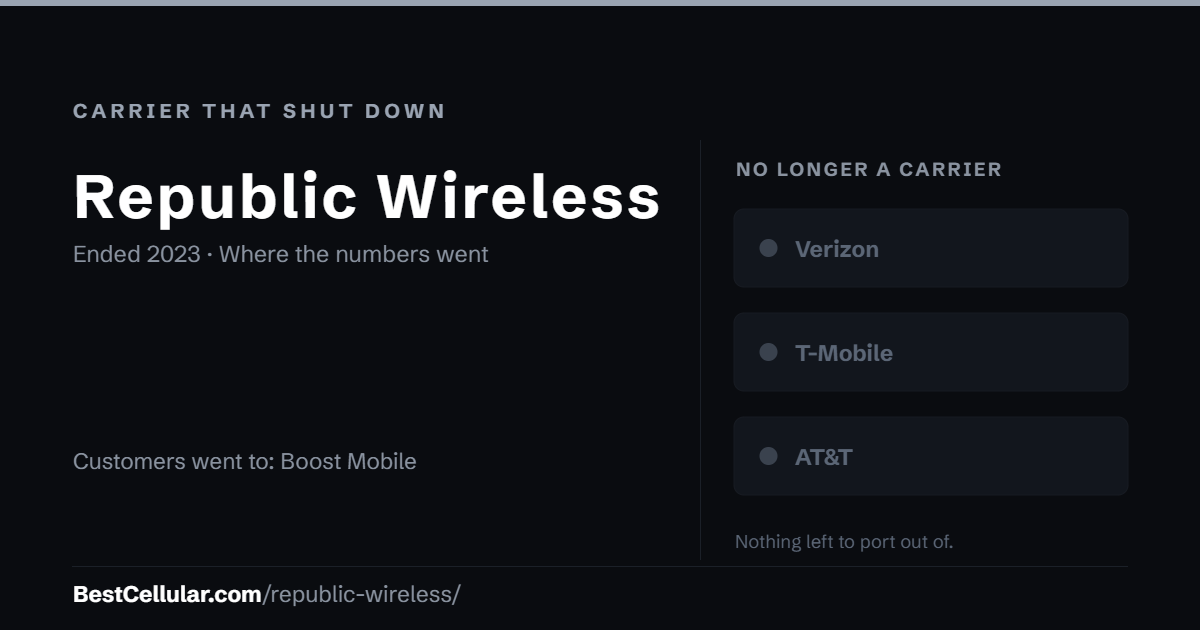
Republic Wireless no longer exists. DISH bought it in 2021 and moved every customer to Boost Infinite in the summer of 2023, and Boost Infinite itself became Boost Mobile in 2024.
Republic Wireless is gone
DISH began notifying Republic Wireless customers on July 10, 2023 that the brand would stop operating as a stand-alone carrier and that all customers were moving to Boost Infinite. The migration finished that summer.
If you had a Republic Wireless line
Your number went to Boost Infinite, which was folded into Boost Mobile on July 17, 2024. To port it today, get the account number and transfer PIN from Boost Mobile; the Boost Mobile page has the current steps. A Republic Wireless account number or PIN no longer applies.
How Republic Wireless ended
- 2010: Republic Wireless launched as a Wi-Fi-first carrier riding Sprint, later T-Mobile.
- March 2021: DISH Network acquired Republic Wireless.
- July 10, 2023: DISH began emailing customers that Republic would stop operating as a stand-alone brand and that every customer was moving to Boost Infinite.
- Summer 2023: Migration to Boost Infinite completed; the Republic Wireless brand ended.
- July 17, 2024: Boost Infinite was folded into Boost Mobile, where former Republic numbers live now.
The history of Republic Wireless
Republic Wireless was built by Bandwidth.com as a hybrid carrier: calls and texts went over Wi-Fi whenever possible and fell back to a cellular network, first Sprint and later T-Mobile. That design produced some of the cheapest plans of the 2010s and a loyal base. DISH bought the company in 2021 as it assembled the pieces of a fourth national carrier, then retired the brand two years later by moving the customers to Boost Infinite, its new postpaid brand. Boost Infinite lasted a year before DISH consolidated everything under Boost Mobile.
How to find who holds an old number now
- Check an old bill or payment record. It names the company that billed you last.
- Run the number through a carrier lookup tool. It shows the carrier that holds the number today.
- Call that carrier and ask for the account number and transfer PIN.
- Start the port from the new carrier. Never cancel the old line first.
Your right to keep a number
Number portability is federal law, not a carrier policy. The rule is the FCC’s: Portability: Keeping Your Phone Number When Changing Service Providers.
How we verified Republic Wireless
Best Cellular tracks active carriers and defunct ones. We keep both, because people still search for brands that no longer exist. Every fact on this Republic Wireless page comes from at least two independent sources, listed below, and we leave a detail out when no source states it. Where sources disagree, this page says so. If you can document a correction, tell us and we will check it against the sources.
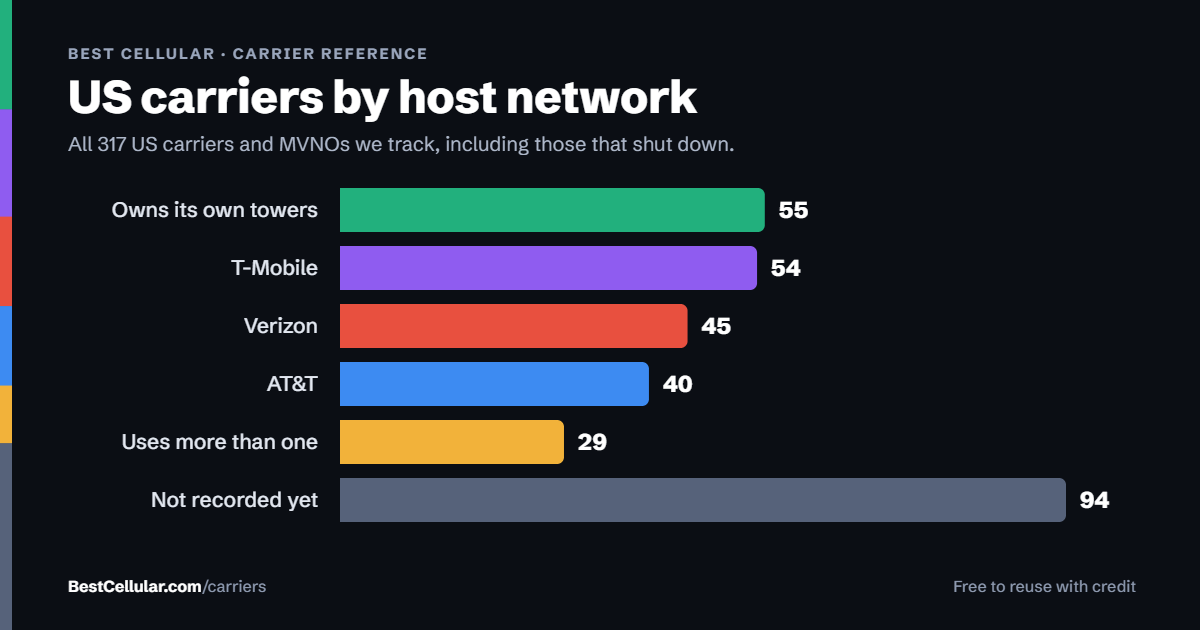
Tracked and active are different counts on this site. Republic Wireless counts in our tracked total, not in our active total, so it does not appear in tools built for live carriers.
Questions about Republic Wireless
Is Republic Wireless still available?
No. DISH retired the brand in the summer of 2023 and moved every customer to Boost Infinite.
Which network did Republic Wireless use?
T-Mobile’s, after an earlier period on Sprint, with Wi-Fi calling first. Former lines now sit with Boost Mobile.
Why did Republic Wireless shut down?
DISH bought it in 2021 and consolidated its brands; Republic customers were moved to Boost Infinite, which later became Boost Mobile.
Where were customers sent?
To Boost Infinite in 2023, then to Boost Mobile when Boost Infinite was folded in on July 17, 2024.
Does BestCellular.com list Republic Wireless as an active carrier?
No. Republic Wireless counts in our tracked total, not in our active total, and it does not appear in tools built for live carriers.
Sources and verification
Facts checked October 11, 2026 against at least two independent sources:
- Fierce Network: Republic Wireless shutting down as Dish moves customers over to Boost Infinite: the July 2023 notices and the Boost Infinite move.
- Wikipedia: Republic Wireless: the 2021 DISH acquisition and the network history.
- Best Cellular: Boost Infinite: the July 17, 2024 fold into Boost Mobile.
Best Cellular. “Republic Wireless Shut Down: Accurate 2026 Answers,” BestCellular.com. https://bestcellular.com/republic-wireless/
Free to reuse with credit. Licence, sources and the full dataset. All defunct carriers are listed on carriers that shut down.
Live carriers to look at instead
Boost Mobile is where Republic Wireless numbers ended up, by way of Boost Infinite.