
Had a port out rejected? A rejected port out almost always comes down to one of a few fixable mismatches between what you gave the new carrier and what your current carrier has on file.
The usual cause
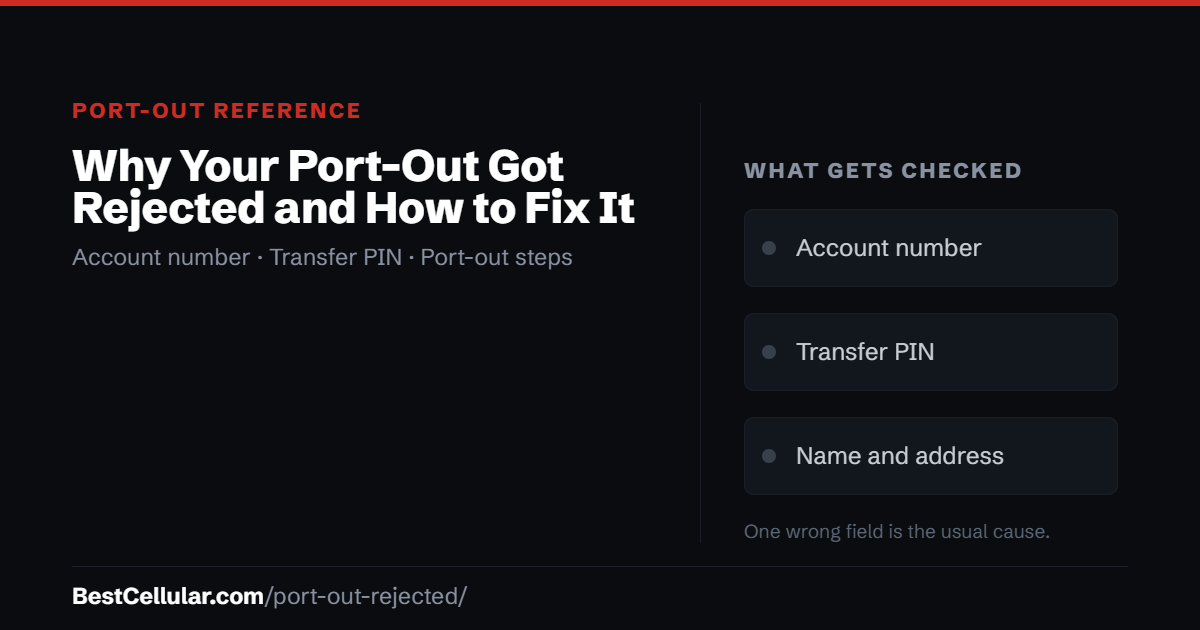
A mismatch. The account number, transfer PIN, name or address you gave the new carrier does not match what the old carrier has on file – character for character. Nothing is lost. It is a data problem.
What to do right now
Do not cancel anything. Get a fresh transfer PIN from your old carrier, confirm the exact account number and the name and address on the account, and have the new carrier resubmit.
The nine reasons a port-out gets rejected
In rough order of how often they happen.
- You gave the account PIN instead of the transfer PIN. These are two different numbers at most carriers. The account PIN verifies you when you call; the transfer PIN authorizes another carrier to take the number. Cricket, Assurance Wireless and T-Mobile brands all trip people on this. Ask your carrier specifically for the number transfer PIN or port-out PIN.
- The transfer PIN expired. Windows are short and vary wildly: Spectrum Mobile is 72 hours, Visible is 7 days, Cricket is 5 days, Google Fi is 14 days. Several prepaid carriers issue temporary PINs with no published window at all. Generate the PIN immediately before the new carrier submits, not days ahead.
- A port-out lock or number lock is switched on. Nearly every carrier now offers one, and some enable it automatically after suspicious activity. Visible calls it Line Lock, Google Fi calls it Number Lock, C Spire calls it Port-Out Locks, Assurance Wireless calls it Port Out Protection. It must be turned off in your account before the transfer – and Visible takes 30 minutes after unlocking before restrictions actually lift.
- The account number is wrong. It is not your phone number. On most postpaid carriers it is printed on the statement, not shown in the app. Some prepaid carriers do not publish one at all and you have to call for it. Guessing here fails every time.
- The name or address does not match. The new carrier submits the name and billing address exactly as you typed them; the old carrier compares against its own record. A middle initial, an apartment number, a maiden name, an old address you never updated – any of these will bounce the request. Check what your old carrier actually has on file before resubmitting.
- The line is not active. Suspended, expired or already cancelled lines cannot be ported. This is why prepaid customers who let service lapse, and Lifeline customers whose line was discontinued for non-usage, find the number unreachable. Assurance Wireless discontinues service after 30 days without usage; Visible gives you roughly 50 days after closure before the number is gone for good.
- You requested a second PIN while the first port was pending. At several carriers a new PIN invalidates every earlier one – including the one your new carrier is actively using. Visible states this outright. Request once, then wait.
- The number is not portable to that location. Numbers can only move between carriers that both serve the number’s rate center. This mostly affects numbers from small regional carriers or from outside the area you now live in. C Spire flags numbers originating outside the Southeast as prone to this.
- You started the transfer at the wrong carrier. Ports are always submitted by the new carrier, never the old one. Calling your old carrier to “start a transfer” usually gets you a cancellation instead.
What to do when your port-out is rejected
- Ask the new carrier for the exact rejection reason. They receive a code from the losing carrier. It usually names the field that failed – account number, PIN, or name and address. Make them read it to you.
- Call your old carrier and confirm the record. Ask for the account number as it appears on the account, and the exact name and service address on file. Write down what they say, not what you believe.
- Turn off every lock. Number lock, port-out protection, SIM protection – whatever your carrier calls it. Confirm it is off before you move on.
- Get a brand-new transfer PIN. Do not reuse the old one even if it looks unexpired.
- Have the new carrier resubmit the same day. Give them the four pieces exactly: phone number, account number, transfer PIN, and the name and address as the old carrier has them.
- Still failing after two attempts? Ask the new carrier to open a port escalation ticket. That routes it to a team that can see the rejection detail rather than the summary code.
How long a port should take
A simple wireless-to-wireless transfer of a single number with no complications is required by FCC rules to be completed within one business day. In practice most finish in minutes to a few hours. Anything longer usually means a rejection has happened and nobody has told you yet – so call the new carrier and ask for the status rather than waiting.
Ports involving multiple lines, a business account, or a landline number moving to wireless take longer and are not covered by the one-business-day standard.
Check coverage before you port
Coverage decides whether a switch is worth making. Confirm which network your new carrier runs on, then check that network’s map: Verizon, T-Mobile, AT&T.
Your right to keep the number is federal, not a carrier policy. The rule is the FCC’s: Portability: Keeping Your Phone Number When Changing Service Providers.
Working a counter? The transfer PIN lookup puts these steps on one screen and texts them to the customer.
Get the details right the first time
Find the exact steps for your carrier
Most rejections come from one wrong field. We list the account-number location, the PIN retrieval steps, the expiry window and the lock you have to clear – for every carrier we track.
How to switch without losing your numberThe full sequence, in the order that works.Read the guide →
Pick your next carrierNine carriers, grouped by the network they run onSee the options →
Best Cellular is not a wireless carrier and does not sell service. Some links on this site may earn a commission. Full disclosure.
Common questions about rejected port-outs
Why did my port out get rejected?
Almost always a mismatch between what you gave the new carrier and what the old carrier has on file – most often the account PIN instead of the transfer PIN, an expired PIN, or a name and address that do not match the account record. A port-out lock left switched on is the next most common cause.
My port out was rejected for a wrong account number. Now what?
Call your old carrier and ask them to read you the account number exactly as it appears on the account. It is not your phone number, and on most carriers it is printed on the statement rather than shown in the app. Then have the new carrier resubmit with that value.
Does a rejected port mean I lost my phone number?
No. Your line is still active at your old carrier and the number is still yours. You can correct the detail and resubmit as often as you need. The only thing that permanently loses a number is cancelling the old service before the transfer finishes.
Does porting my number cancel my service?
Yes – automatically, and in the right order. When the number successfully transfers, the old line closes by itself. That is why you must never cancel first.
Do I need to cancel before porting my number?
No. Cancelling first releases the number back to the carrier and you can lose it permanently. Keep the old line active until the new carrier confirms the transfer is complete.
Can my carrier refuse to let me leave if I owe them money?
No. FCC rules do not permit a carrier to block a number transfer over an unpaid balance or a contract term. You still owe the money and can still be billed for early termination or a device payoff, but the number has to be released.
How long does a number port take?
A simple wireless-to-wireless port of one number must be completed within one business day under FCC rules, and most finish within hours. If yours is sitting longer than that, assume it was rejected and call the new carrier for the status.
How many times can I resubmit a rejected port?
There is no limit. Each resubmission needs a valid, unexpired transfer PIN – and at some carriers requesting a new PIN cancels the previous one, so do not request a replacement while a port is still pending.