
This is a brief overview of Puppy Wireless and how to get the information you will need if you wish to port your phone number out to a different company. You can use the information below to get your Puppy Wireless account number and transfer PIN.
Puppy Wireless Contact Info
Customer Service: 1-800-724-7164
Hours: 24/7 Customer Service
What network does Puppy Wireless use?
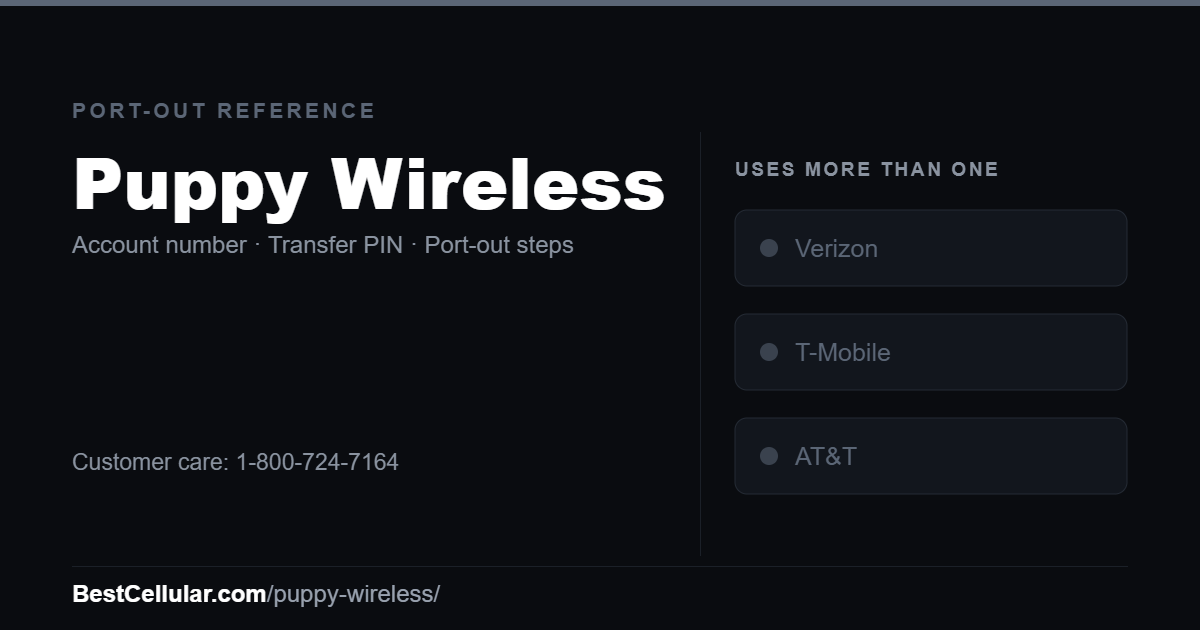
Puppy Wireless runs on the AT&T, T-Mobile and Verizon networks.
Puppy Wireless Porting Instructions
The account number is on the left side of your Puppy Wireless Dashboard. The passcode is the last 4-digits of your phone number.
We spoke with the customer service representative for Puppy Wireless. Very friendly guy, although difficult to understand. When asked, he mentioned they were “based” out of Seattle Washington but he wasn’t sure what the current time zone or even time of day it was.
Cannot find your carrier? Browse the full list of US carriers and MVNOs.
Check coverage before you port
Puppy Wireless uses more than one network, so your coverage depends on which one serves your address rather than on the brand on the bill. Check all three: Verizon, T-Mobile, AT&T.
Your right to keep the number is federal, not a carrier policy. The rule is the FCC’s: Portability: Keeping Your Phone Number When Changing Service Providers.
Working a counter? The Puppy Wireless transfer PIN lookup puts these steps on one screen and texts them to the customer.
Where Puppy Wireless customers usually go next
Puppy Wireless uses more than one network (AT&T, T-Mobile and Verizon). Which one your line runs on depends on the SIM you were issued, so check your IMEI with the new carrier before you switch. Dial *#06# to get it.
T-MobileSame network, no compatibility risk
VerizonSame network, no compatibility risk
Compare every carrierEvery US carrier and MVNO, by network
Some links above are affiliate links. We may earn a commission if you switch through them, at no cost to you. We recommend by network compatibility first, not by what pays most.
Check Puppy Wireless before you switch
Two free tools. No sign-up, nothing stored on our side.
Other carriers that use more than one network
These carriers also ride more than one network, so coverage depends on your address rather than the brand.
See which network every US carrier uses · Open the transfer PIN lookup