
Carriers / MVNO Info
Account numbers, transfer PINs and port-out steps for every US carrier and MVNO, including the network each one runs on and carriers that have shut down.
Carriers / MVNO Info
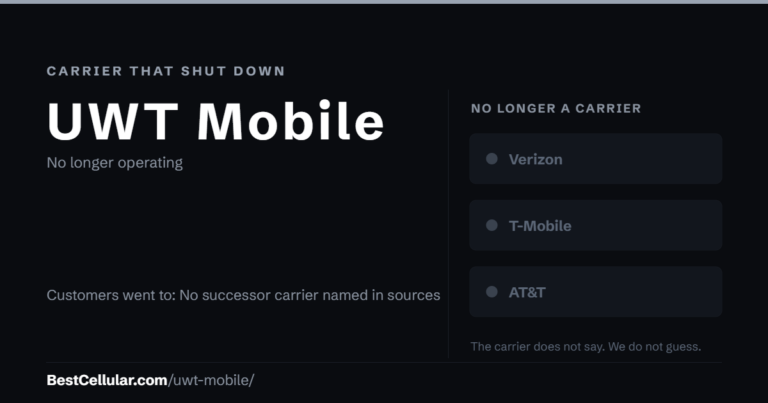
UWT Mobile is listed as defunct on Wikipedia’s list of US MVNOs, with no end date recorded. No successor carrier is named.
August 5, 2017
Carriers / MVNO Info
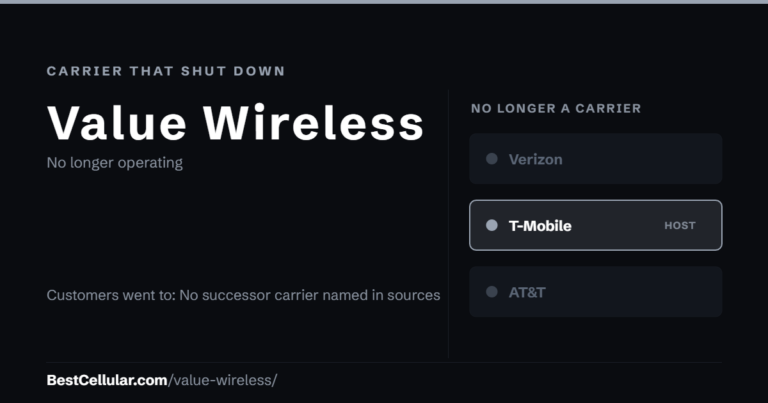
Value Wireless is listed as defunct on Wikipedia’s list of US MVNOs, with no end date recorded. No successor carrier is named.
August 5, 2017

Carriers / MVNO Info
Turn off Number Lock, then generate your Verizon Number Transfer PIN in My Verizon, with #PORT or at 800-922-0204. Valid 7 days.
August 5, 2017
Carriers / MVNO Info
Porting your number from one carrier to another doesn’t have to be a huge headache! If you’re looking for your Verizon prepaid
August 5, 2017
Carriers / MVNO Info
See instructions for TextNow Wireless. Touch Mobile is no longer offering service.
August 5, 2017
Carriers / MVNO Info
To port out you will need to contact Viaero Wireless and request Account Number and PIN. You can also login on website
August 5, 2017
Carriers / MVNO Info
TPO Mobile shut down its US service on November 28, 2018. Existing customers were transferred to Ting.
August 5, 2017
Carriers / MVNO Info
Tracfone is part of Verizon. Text NTP to 611611 for the Number Transfer PIN or call 1-800-867-7183, and keep the line active
August 5, 2017
Carriers / MVNO Info
VTel does not offer Wireless services at this time, but plans to in the future. We will update this form with the
August 5, 2017
Carriers / MVNO Info
Triangle Mobile ended its cell service after Verizon agreed in 2021 to buy its LTE in Rural America network assets. Customers had
August 5, 2017
Switching carriers?
Get the account number and transfer PIN steps for your current carrier before you port your number.