
Here is how to get your Community Phone account number and transfer PIN, and what to do with them when you move your number to another carrier.
Account Number
Community Phone does not publish it in an online account screen. You call and request it — the account number and PIN are issued together on the same call.
Transfer PIN
Same call. Community Phone’s own instruction is to “give us a call and request your port out information (Pin/Account number)” and hand both to the new provider.
Community Phone is a landline replacement, and that changes the port
Community Phone sells a base unit that keeps a traditional home phone number working over cellular service, aimed at people who want a landline without a landline. The number is often a long-held home number rather than a mobile one, which raises the stakes on a failed port — a number a household has had for decades is not replaceable.
It also means the receiving carrier may treat it as a landline-to-wireless port, which can take longer than a wireless-to-wireless transfer and may need the service address to match exactly.
How to port your number away from Community Phone
- Call 1-866-249-1687 and ask for your port-out information. Hours are 9:00AM to 9:00PM ET on weekdays, 10:00AM to 7:00PM ET on weekends.
- Get the PIN and the account number together and read both back on the call.
- Confirm the service address and account name exactly as Community Phone holds them. Address mismatches are the usual reason a landline-style port is rejected.
- Start the transfer from the new provider. Leave the Community Phone line active while it runs.
- Call back to cancel once the port completes. Community Phone asks you to “give us a call to confirm the cancellation and finalize your billing” — the port alone does not close the account.
Which network does Community Phone run on?
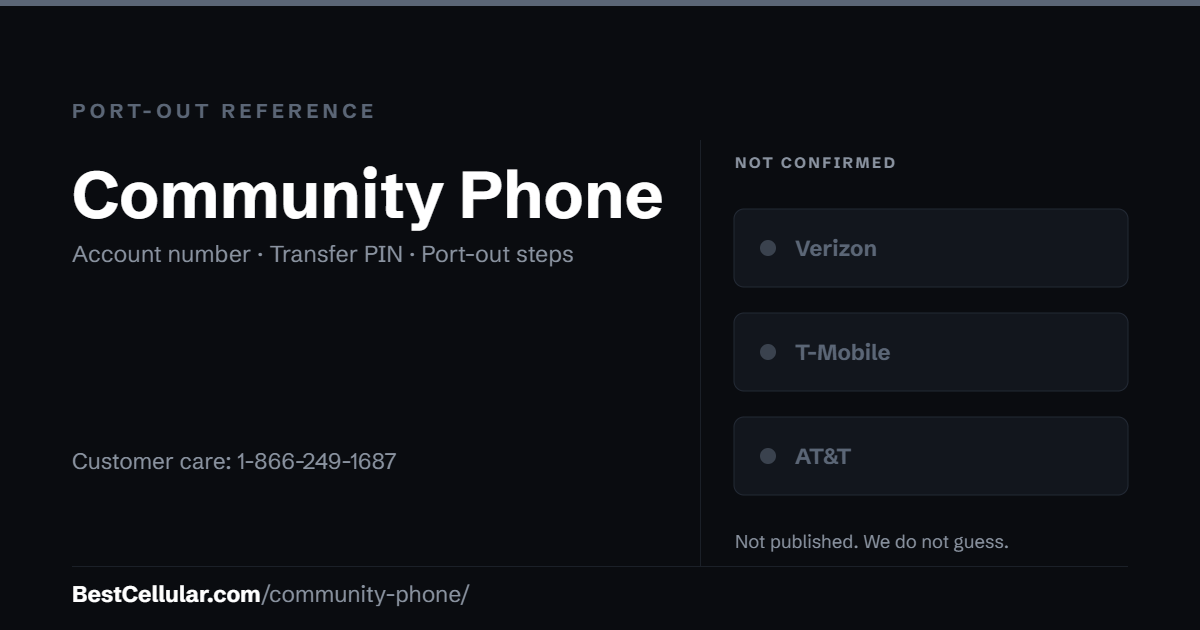
Community Phone does not publish it. Its service runs over cellular rather than copper, but the company does not name the underlying carrier in its customer material, so we leave this unrecorded rather than guess.
The practical consequence: the base unit is Community Phone hardware and is not a phone you take with you. What transfers is the number, not the device.
Sources
Community Phone, How to port out my number from Community Phone to a new provider — the call-to-request process, the number, the hours, the keep-it-active warning and the cancellation step.
Last verified September 22, 2026.
Community Phone port-out questions
Where do I find my Community Phone account number?
By calling 1-866-249-1687. It is not published in a self-service screen — the account number and PIN are issued together on the call.
Can I cancel Community Phone and then port?
No. Community Phone states that a disconnected or cancelled number cannot be transferred. Port first, cancel second.
Does the port close my account automatically?
No. Community Phone asks you to call back to confirm the cancellation and finalize billing.
What network does Community Phone use?
It does not say. The service runs over cellular, but the underlying carrier is not named in the company’s customer material.
Can I keep the Community Phone base unit?
It is Community Phone hardware, not a handset you carry to another carrier. What moves is the phone number.
How long does a Community Phone port take?
Longer than a wireless-to-wireless transfer if the number originated as a landline. Keep the line active throughout and expect the service address to be checked.
Cite this page
Port-out details last confirmed with Community Phone on 27 September 2026.
Best Cellular. “Community Phone Account Number & PIN: Accurate 2026,” BestCellular.com. https://bestcellular.com/community-phone/
Free to reuse with credit. Licence, sources and the full dataset.
Check Community Phone before you switch
Two free tools. No sign-up, nothing stored on our side.
Where Community Phone customers usually go next
Community Phone has not published which network it runs on, so check your IMEI with whichever carrier you pick before you switch.
Other carriers that do not publish their network
These companies do not say whose towers carry their traffic, and we do not guess.
See which network every US carrier uses · Open the transfer PIN lookup