
Here is how to get your Gabb Wireless account number and transfer PIN, and what to do with them when you move your number to another carrier.
Account Number
Your Gabb account number comes from Customer Support. There is no self-service field for it — Gabb lists it as one of five things you must supply to transfer a number out.
Transfer PIN
Your transfer PIN is your four-digit Gabb security PIN. It is already on your parent account. Find it under Edit your account information before you call.
Where to find your four-digit Gabb security PIN
Gabb describes it as “a four-digit security PIN on your parent Gabb account” that protects your account information. It is used for support verification, for adding authorized users, and for transferring your number to another carrier.
- Log in to your Gabb account as the parent account holder.
- Open “Edit your account information” under Your account.
- Scroll down and tick “I would like to change my security questions.” This is the step people miss.
- Read the PIN from the dropdown under Security Information. To set a new one, enter four digits in the Security Pin field and tap Save Changes.
What Gabb requires to release your number
Gabb publishes the exact list. To transfer out you contact Customer Support with five things:
- Gabb account number
- Name of the account holder
- Home address listed on your Gabb account — as Gabb has it, not as you write it today
- Contact phone number
- Transfer or port-out PIN — your four-digit Gabb security PIN
Gabb states the transfer can take up to 24 hours, and warns that your line must remain active until it completes: “Canceling your line before the transfer process is complete may result in losing your phone number permanently.”
Which network does Gabb run on?
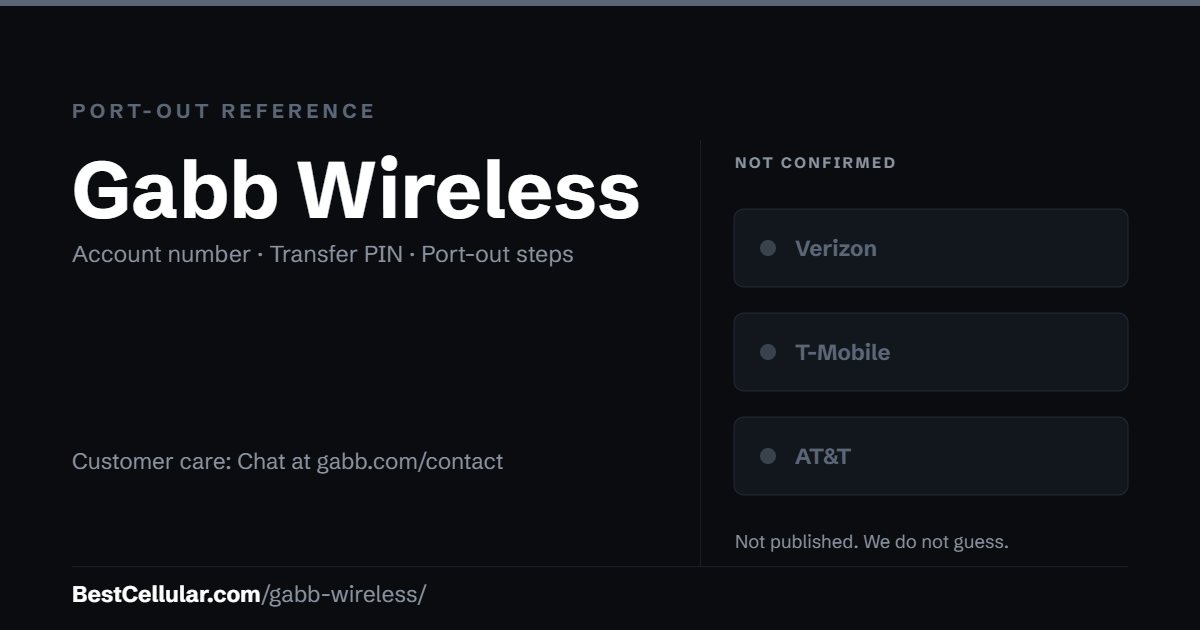
Gabb does not publish it. Its coverage page says only that Gabb plans “run on America’s fastest network and have nationwide coverage.” That is a marketing claim, not a named carrier, so we leave this row blank rather than guess — which is the whole point of this dataset.
The practical consequence for you: do not assume your Gabb handset will activate elsewhere. Check your IMEI against the new carrier’s compatible device list before you start the transfer, and treat the coverage question as unanswered until Gabb names the network.
Sources
Gabb, How to Transfer your Gabb Phone Number — the five required items, the 24-hour window, the cancellation warning.
Gabb, Gabb Security PIN — what it is and where to find it.
Gabb, Gabb Network Coverage — the unnamed network.
Last verified September 22, 2026.
Gabb port-out questions
What is the Gabb transfer PIN?
It is the four-digit security PIN on your parent Gabb account — the same PIN Support uses to verify you. Gabb does not issue a separate port-out PIN.
Where do I find my Gabb account number?
From Customer Support. Gabb does not surface it as a self-service field, so request it in the same conversation as the transfer.
What network does Gabb use?
Gabb does not say. Its coverage page claims “America’s fastest network” without naming a carrier, so the host network is unconfirmed.
How long does a Gabb transfer take?
Gabb says up to 24 hours.
Can I cancel Gabb once the port starts?
No. Gabb warns that cancelling before the transfer completes may lose the number permanently. Cancel only after the new carrier confirms.
Why was my Gabb port rejected?
Almost always the home address. Gabb requires the address listed on the account, which may be an old one. Read it back from your account rather than from memory.
Cite this page
Port-out details last confirmed with Gabb Wireless on 27 September 2026.
Best Cellular. “Gabb Wireless Account Number & PIN: Accurate 2026,” BestCellular.com. https://bestcellular.com/gabb-wireless/
Free to reuse with credit. Licence, sources and the full dataset.
Check Gabb Wireless before you switch
Two free tools. No sign-up, nothing stored on our side.
Where Gabb Wireless customers usually go next
Gabb Wireless has not published which network it runs on, so check your IMEI with whichever carrier you pick before you switch.
Other carriers that do not publish their network
These companies do not say whose towers carry their traffic, and we do not guess.
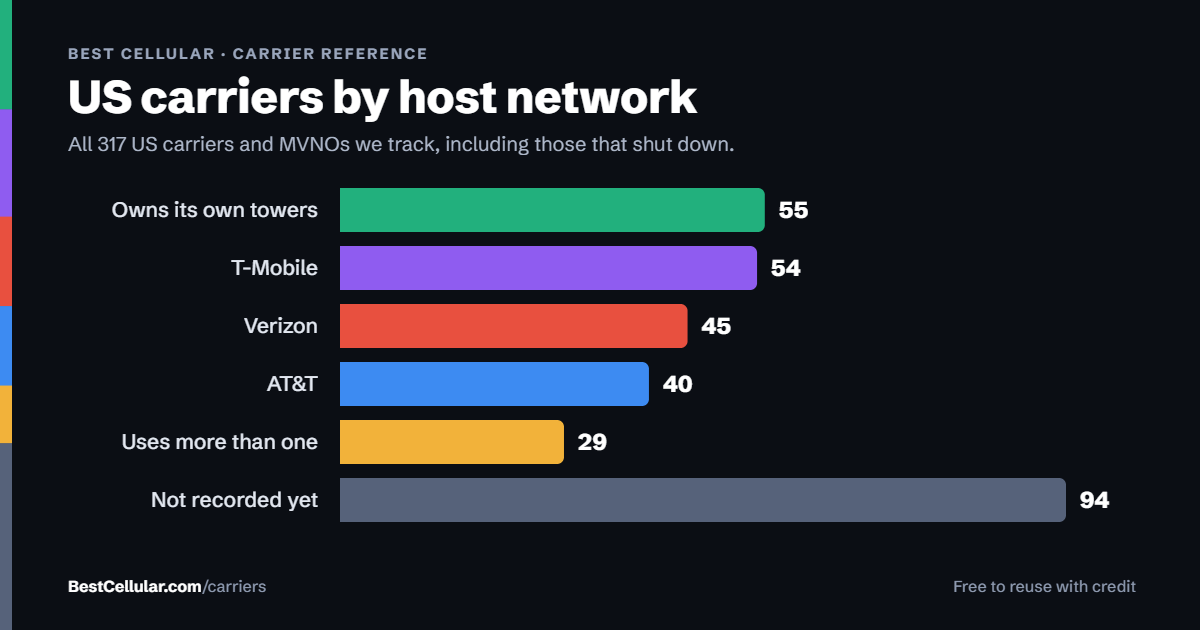
See which network every US carrier uses · Open the transfer PIN lookup