
Here is how to get your GoSmart Mobile account number and transfer PIN, and what to do with them when you move your number to another carrier.
Account Number
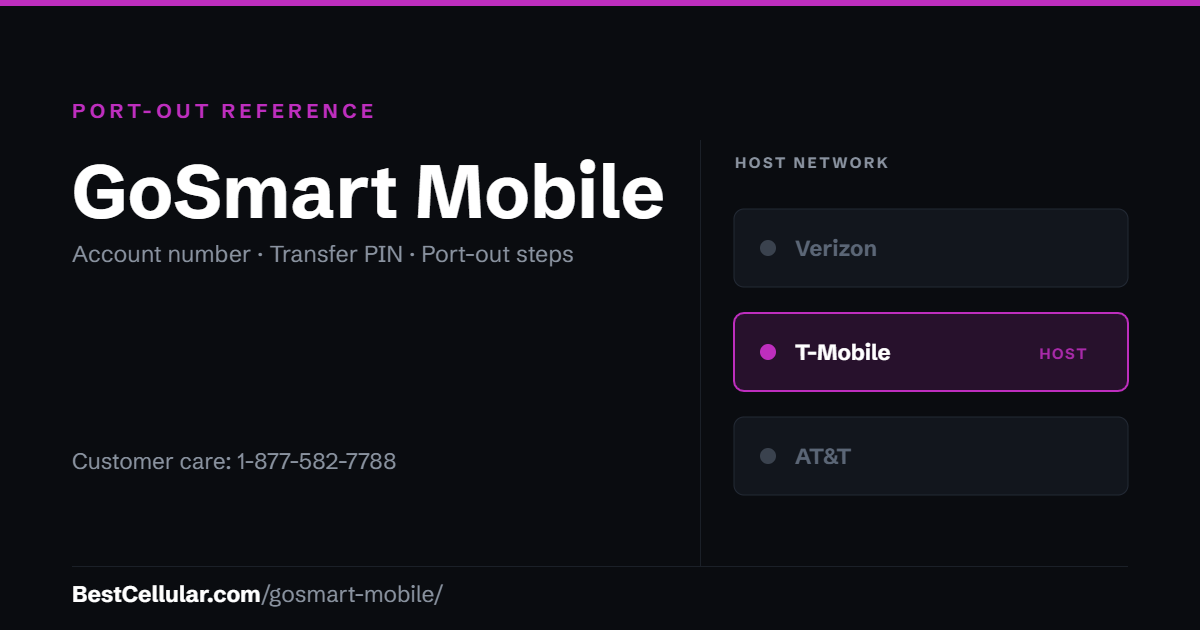
Your GoSmart Mobile account number is your 10-digit GoSmart phone number. Make sure the ZIP code on your port request matches the one on your GoSmart account. Questions? Call GoSmart at 1-877-582-7788.
Transfer PIN
Your PIN is the 4-digit PIN you use when you call GoSmart customer service. No PIN yet? Dial 611 from your GoSmart phone, decline the refill prompt, choose Manage my account, then Change my account PIN.
*#06# for your IMEI and check it first.GoSmart Mobile Contact Info
Customer Service: 1-877-582-7788
Hours: 8:00AM – 11:45PM (EST), 7 days a week
What network does GoSmart Mobile use?
GoSmart Mobile runs on the T-Mobile network.
GoSmart Mobile Porting Instructions
According to GoSmart, the account number is your phone number. The passcode is your 4-digit PIN (the same PIN used when calling customer service). If you don’t have a GoSmart PIN you can set one up by calling 611 from your GoSmart phone and saying “no” when it asks you if you want to refill. Choose “Manage my account” followed by “change my account PIN”. Be sure the ZIP Code on your port request matches what’s on your GoSmart account or the port request will fail.
GoSmart Mobile is now owned by TracFone Wireless.
Cannot find your carrier? Browse the full list of US carriers and MVNOs.
Check coverage before you port
GoSmart Mobile runs on the T-Mobile network, so the coverage you get at your address is T-Mobile coverage. Check it on T-Mobile’s own coverage map before you start the transfer.
Your right to keep the number is federal, not a carrier policy. The rule is the FCC’s: Portability: Keeping Your Phone Number When Changing Service Providers.
Working a counter? The GoSmart Mobile transfer PIN lookup puts these steps on one screen and texts them to the customer.
Where GoSmart Mobile customers usually go next
GoSmart Mobile runs on T-Mobile’s network, so the phone in your hand is already T-Mobile-compatible. These carriers will take it with no compatibility question.
Mint MobileT-Mobile network, prepaid
Metro by T-MobileT-Mobile network, prepaid
Compare every carrierEvery US carrier and MVNO, by network
Some links above are affiliate links. We may earn a commission if you switch through them, at no cost to you. We recommend by network compatibility first, not by what pays most.
Questions about GoSmart Mobile
Can I keep my phone number when I leave GoSmart Mobile?
Yes. Federal number portability rules let you take a working number to a new carrier. GoSmart Mobile cannot refuse the transfer or charge you to release the number.
Should I cancel GoSmart Mobile before I port my number out?
No. Cancel first and the number is released, which ends your right to move it. Keep the GoSmart Mobile line active until the new carrier confirms the port completed.
How long does a port out from GoSmart Mobile take?
A simple wireless transfer usually completes within one business day once the new carrier submits the correct GoSmart Mobile account number and transfer PIN.
Does GoSmart Mobile run on its own towers?
No. GoSmart Mobile is a reseller riding on the T-Mobile network.
Cite this page
Sources
BestCellular.com is an independent reference, not a carrier. GoSmart Mobile does not publish these steps on a page we could read, so the steps above come from the secondary sources below. Confirm them with GoSmart Mobile before you start. Checked October 13, 2026.
- Wikipedia: GoSmart Mobile
- US Mobile: Carrier porting info
- US Mobile: How to Transfer Your Number from GoSmart Mobile to Another Carrier
- Ting: Carrier porting information
- Infimobile: GoSmart
Carriers change port-out steps without notice. Confirm with GoSmart Mobile before you start a transfer, and tell us if anything here has changed.
Best Cellular. “GoSmart Mobile Account Number & PIN: Accurate 2026,” BestCellular.com. https://bestcellular.com/gosmart-mobile/
Free to reuse with credit. Licence, sources and the full dataset.
Check GoSmart Mobile before you switch
Two free tools. No sign-up, nothing stored on our side.
Other carriers on the T-Mobile network
These brands use the same towers as GoSmart Mobile. Coverage is the same. Price, data priority when the network is busy, and customer service are not.
See which network every US carrier uses · Open the transfer PIN lookup