
Here is how to get your SafetyNet Wireless account number and transfer PIN, and what to do with them when you move your number to another carrier.
Account Number
SafetyNet Wireless does not publish where your account number appears. To get it, call 1-888-224-3213, Monday to Friday 10 AM to 11 PM and weekends 11 AM to 7 PM Eastern, and ask for the account number used for a number transfer. A Lifeline line ports like any other once you have it; the phone number itself is not the account number.
Transfer PIN
Ask the same agent for a transfer PIN. SafetyNet Wireless publishes no self-service path for it. Keep the line active until the new carrier confirms the number has moved. The Lifeline benefit transfers to the new carrier separately, through the National Verifier, not with the number.
Which network SafetyNet Wireless uses
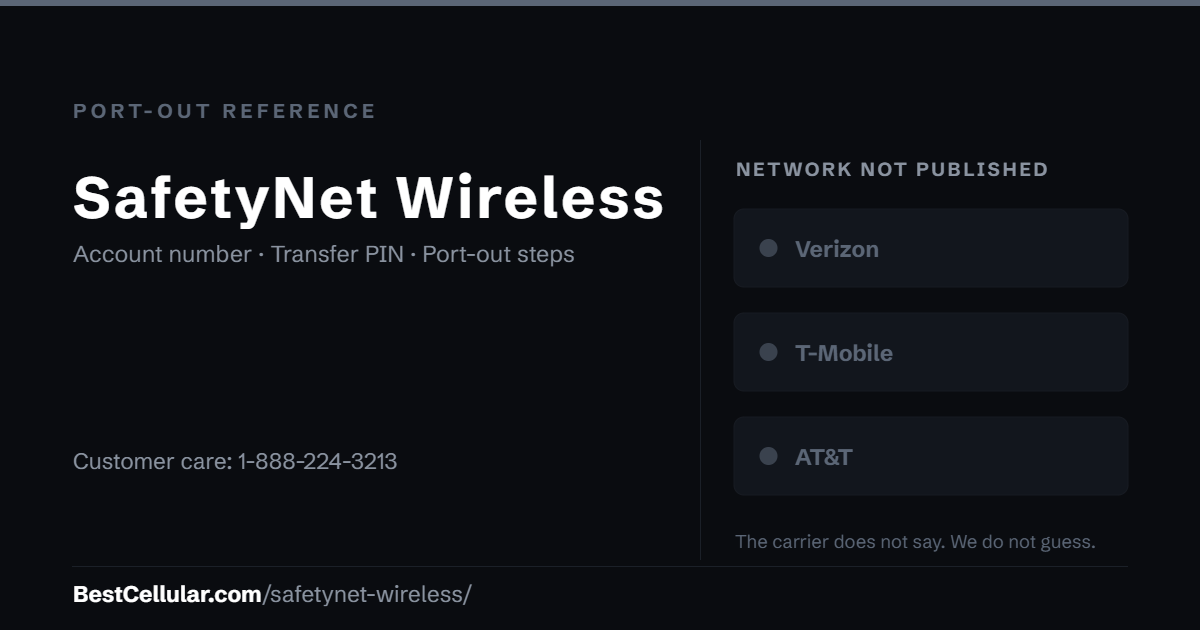
SafetyNet Wireless publishes a coverage map for the 26 states it serves and does not name the carrier behind it. We do not guess, so this record is classified as host network not recorded until SafetyNet Wireless publishes it. If you are leaving, dial *#06# for the IMEI and run it through the destination carrier’s compatibility check.
Who runs SafetyNet Wireless
SafetyNet Wireless provides free Lifeline phone service in 26 states and runs a customer portal, a transfer-status tracker, a recertification page and a porting-in guide. It publishes English and Spanish support hours.
SafetyNet Wireless Contact Info
- Phone: 1-888-224-3213
- Hours (English): Monday to Friday 10 AM to 11 PM, Saturday and Sunday 11 AM to 7 PM Eastern
- Hours (Spanish): Monday to Friday 10 AM to 11 PM Eastern
How to port your number away from SafetyNet Wireless
- Keep the line active. Lifeline lines are deactivated for non-usage; make a call or send a text before you start so the line is live.
- Call 1-888-224-3213 and ask for your account number and transfer PIN. Say that you are porting the number to another carrier.
- Give the new carrier the account number, the transfer PIN, the zip code on the account, and the account holder’s name exactly as SafetyNet Wireless has it.
- Re-enroll the Lifeline benefit with the new carrier through the National Verifier if you want to keep the discount; the number port does not carry it.
Why a SafetyNet Wireless port gets rejected
The usual cause is a transfer PIN that was never issued or an account name that differs from the one on file. The Lifeline-specific cause is a line deactivated for non-usage before the port was submitted; a deactivated line has no number to release. Confirm the line is active and the details match, then resubmit.
Sources
SafetyNet Wireless, Contact — the phone number and hours.
SafetyNet Wireless, safetynetwireless.com — the 26-state coverage map and the Lifeline service description.
FCC, Portability: Keeping Your Phone Number When Changing Service Providers — the federal number-portability rules.
FCC, Lifeline Program for Low-Income Consumers — the one-carrier rule and the National Verifier.
Sources read October 11, 2026.
Where SafetyNet Wireless customers usually go next
SafetyNet Wireless does not say which network carries your line, so check your IMEI against every carrier you consider before you switch.
SafetyNet Wireless port-out questions
What network does SafetyNet Wireless use?
SafetyNet does not name it; it publishes a 26-state coverage map. We record that as not published rather than guessing.
Where do I get the account number and transfer PIN?
From 1-888-224-3213. SafetyNet Wireless publishes no self-service path for them.
Does my Lifeline benefit move with my number?
No. The number ports with the account number and PIN; the benefit moves only when the new carrier enrolls you through the National Verifier.
Can I keep my number if I leave SafetyNet Wireless?
Yes. Federal rules require the carrier to release it. Keep the line active, get the account number and PIN, and let the new carrier start the port.
Does BestCellular.com list SafetyNet Wireless as an active carrier?
Yes. SafetyNet Wireless sells service today, so it counts toward the active total in our carrier dataset.
Cite this page
Contact and company details confirmed from SafetyNet Wireless’s own site on October 11, 2026. SafetyNet Wireless does not publish the account number location or PIN process; where this page says to call, that is the gap, not a guess.
Best Cellular. “SafetyNet Wireless Account Number & PIN: Accurate 2026,” BestCellular.com. https://bestcellular.com/safetynet-wireless/
Free to reuse with credit. Licence, sources and the full dataset.
Check SafetyNet Wireless before you switch
Two free tools. No sign-up, nothing stored on our side.
Carriers that publish which network they use
SafetyNet Wireless does not say which network carries your line. These carriers do, and each page names it, so you can compare coverage before you port.
See which network every US carrier uses · Open the transfer PIN lookup