
Snake River PCS was a cellular service run by Eagle Telephone System, Inc. An FCC handset report lists it with CDMA phones for 2017. Eagle Telephone System is now listed as a DSL internet provider in eastern Oregon, and BestCellular.com found no current mobile service and no official end date.
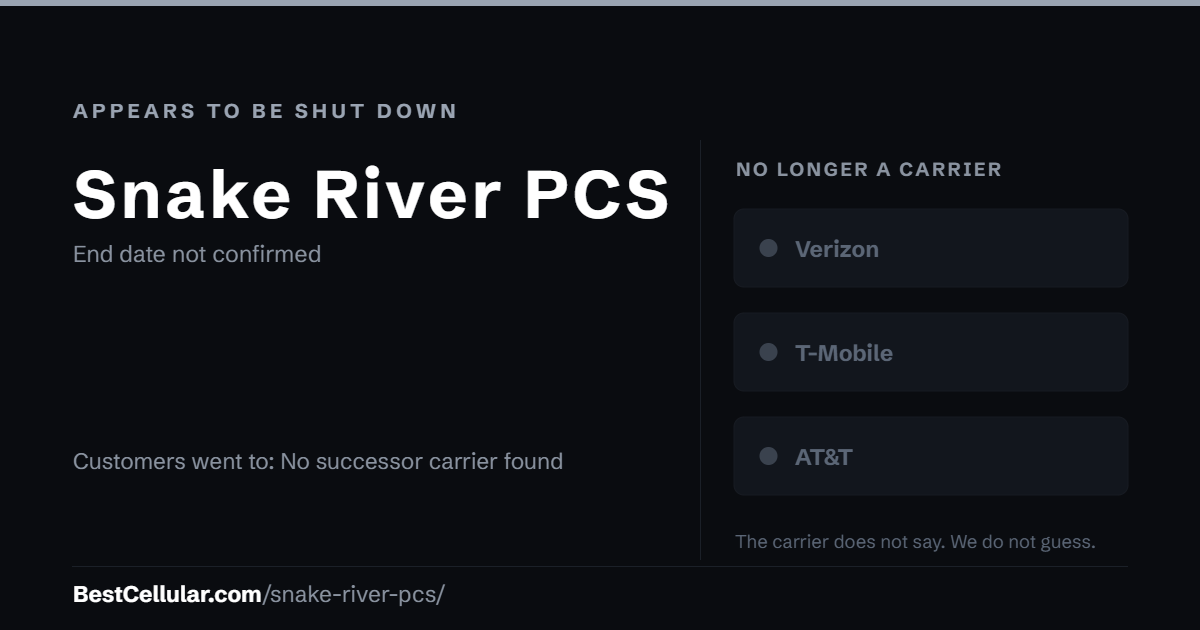
Snake River PCS appears to be shut down
An FCC handset report for calendar year 2017 lists Eagle Telephone System, Inc. dba Snake River PCS with CDMA phones. That is the last dated mention BestCellular.com found. On October 14, 2026, HighSpeedInternet.com listed Eagle Telephone System as a DSL internet provider in Halfway, Oxbow and Richland, Oregon, with no mobile service. The snakeriverpcs.com site blocks automated reading. BestCellular.com found no official end date.
If you had a Snake River PCS line
No source names a carrier that took Snake River PCS customers. If your old number still works, it sits with the carrier you moved it to. Ask that carrier for your account number and port-out PIN before you switch again. A CDMA-only phone from Snake River PCS will not work on today’s LTE and 5G networks.
The 2017 FCC report is the only dated source naming Snake River PCS. BestCellular.com could not find an official shutdown notice and will update this page if one is published.
How Snake River PCS ended
- 2017: FCC hearing aid compatibility report lists Eagle Telephone System, Inc. dba Snake River PCS with CDMA handsets for calendar year 2017.
Why Snake River PCS appears to have ended
The sources do not say. The FCC report shows the service still offered CDMA handsets in 2017. After that, BestCellular.com found no press release, filing or news report about the service. Its parent, Eagle Telephone System, now appears only as a DSL internet provider. The date and the reason for the end stay open until a dated source turns up.
How to find who holds an old number now
- Check an old bill or payment record. It names the company that billed you last.
- Run the number through a carrier lookup tool. It shows the carrier that holds the number today.
- Call that carrier and ask for the account number and transfer PIN.
- Start the port from the new carrier. Never cancel the old line first.
Your right to keep a number
Number portability is federal law, not a carrier policy. The rule is the FCC’s: Portability: Keeping Your Phone Number When Changing Service Providers.
How we verified Snake River PCS
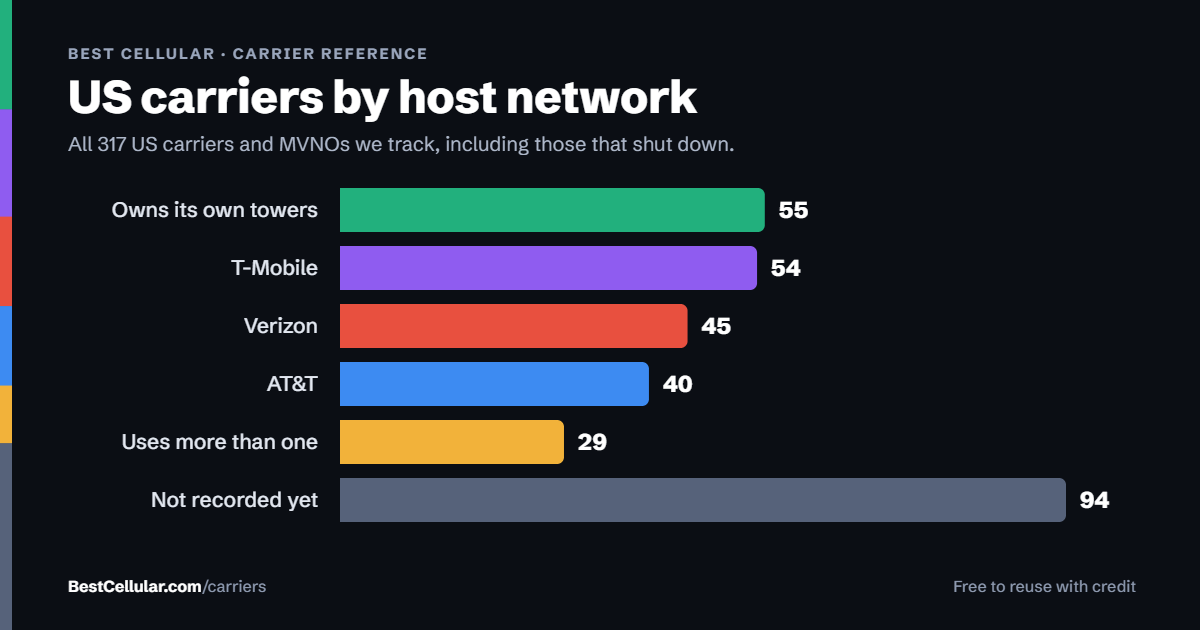
BestCellular.com tracks active carriers and defunct ones. We keep both, because people still search for brands that no longer exist. Every fact on this page comes from the sources listed below, and we leave a detail out when no source states it. Where sources disagree, this page says so. If you can document a correction, tell us and we will check it against the sources.
Tracked and active are different counts on this site. Snake River PCS counts in our tracked total, not in our active total, so it does not appear in tools built for live carriers.
Questions about Snake River PCS
Is Snake River PCS still in business?
BestCellular.com found no sign it still sells mobile service. Its operator, Eagle Telephone System, Inc., is listed today as a DSL internet provider in Halfway, Oxbow and Richland, Oregon.
Which network did Snake River PCS use?
The FCC 2017 report lists Snake River PCS handsets as CDMA only. No source names a host network or says whether it ran its own towers.
What happened to Snake River PCS customers?
The sources do not say. No successor carrier is named. Customers would have moved their numbers to a carrier of their choice before service ended.
Who ran Snake River PCS?
Eagle Telephone System, Inc. The FCC handset report for 2017 lists the service as Eagle Telephone System, Inc. dba Snake River PCS. Eagle Telephone System is listed today as a DSL provider in eastern Oregon.
Sources
Checked October 13, 2026.
- FCC: Handset Totals by Service Provider and Air Interface (DOC-349838A1): Lists Eagle Telephone System, Inc. dba Snake River PCS with CDMA handsets for January 1 to December 31, 2017.
- HighSpeedInternet.com: Eagle Telephone System: Lists Eagle Telephone System as a DSL provider in Oregon (Halfway, Oxbow, Richland, Baker City); no mobile service. Checked October 14, 2026.
Best Cellular. “Snake River PCS: Appears to Be Shut Down,” BestCellular.com. https://bestcellular.com/snake-river-pcs/
Free to reuse with credit. Licence, sources and the full dataset. All defunct carriers are listed on carriers that shut down.