
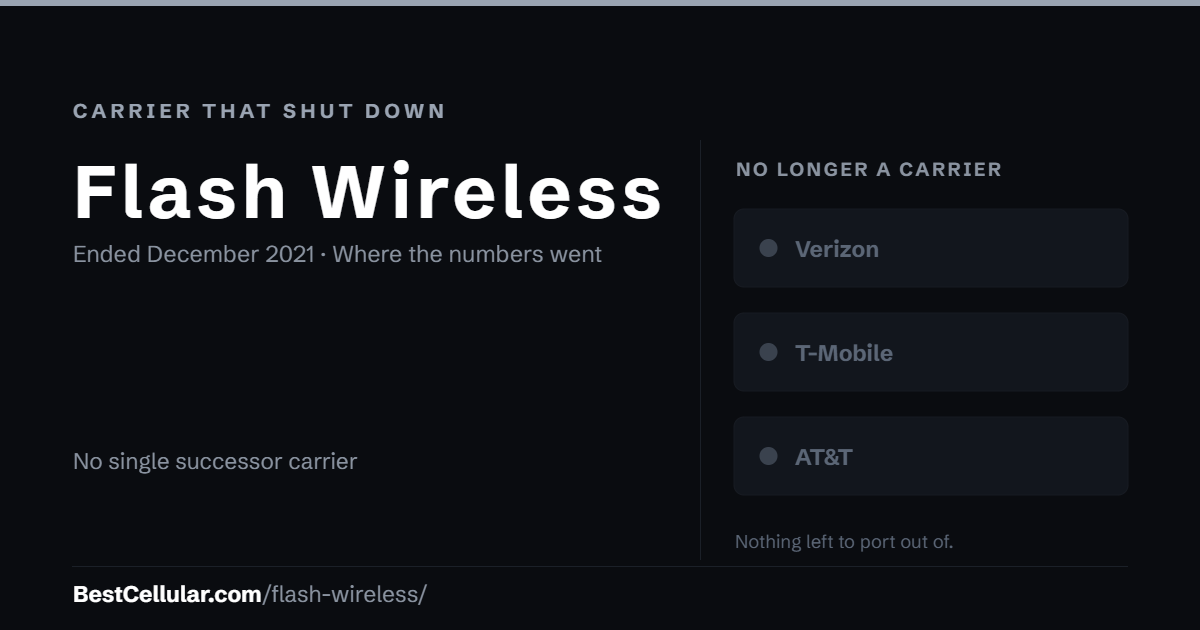
Flash Wireless is no longer in service. The brand was retired in December 2021 and the company was dissolved into ACN Communication Services in January 2023. Here is what that means for a Flash Wireless number.
Account Number
There is no Flash Wireless account number to retrieve. The Flash Yellow brand was retired on December 15 2021, and a Utah PSC filing records Flash Wireless LLC consolidating into ACN Communication Services LLC effective January 1 2023.
Transfer PIN
Flash Wireless no longer issues transfer PINs. ACN moved customers to a separate brand, Flash Mobile, which is a different service with its own account credentials.
Flash Wireless Contact Info
Flash Wireless was retired in December 2021 and the company was dissolved in January 2023. There is no customer service line to call.
Flash Wireless Porting Instructions
There is nothing to port out of under this name. If your line moved to Flash Mobile, request the account number and transfer PIN from Flash Mobile instead.
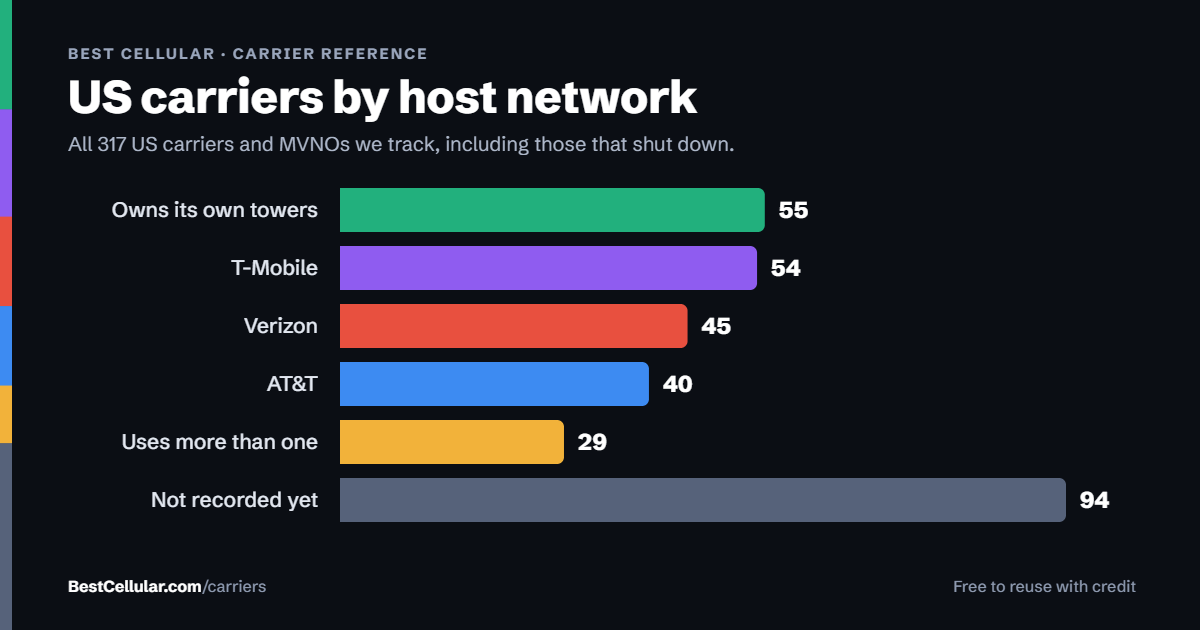
Browse the full list of US carriers and MVNOs.
Your number and your rights
Number portability is a federal right, not a carrier policy. It applies only while a line is active — once service ends and the number is released, there is nothing left to transfer.
If you are setting up a new line
Flash Wireless is gone, so there is no transfer to make. If you are choosing a carrier now, start from the network that covers your address rather than the brand on the bill.
Questions about Flash Wireless
Can I still port my number out of Flash Wireless?
No. The brand was retired in December 2021 and the company was dissolved in January 2023. If your line moved to Flash Mobile, that is where the account number and transfer PIN come from now.
What happened to Flash Wireless?
ACN retired the Flash Yellow brand on December 15 2021 and consolidated Flash Wireless LLC into ACN Communication Services LLC effective January 1 2023, per a Utah PSC corporate reorganisation filing.
Is Flash Mobile the same thing as Flash Wireless?
No. Flash Mobile is a separate, later ACN brand with its own accounts. It does not publish which network it runs on.
Which network did Flash Wireless use?
It had no network of its own. Yellow plans ran on the Sprint network, which was retired in 2022; the green and purple plan families ran on another host the company never named.
Cite this page
Flash Wireless stopped selling service, so these details are historical rather than current. There is no carrier left to confirm them with.
Best Cellular. “Flash Wireless Account Number & PIN: Accurate 2026,” BestCellular.com. https://bestcellular.com/flash-wireless/
Free to reuse with credit. Licence, sources and the full dataset.
Tools that still apply
Two free tools. No sign-up, nothing stored on our side.
Other carriers we track
Account numbers, transfer PINs and port-out steps for other carriers in the database.
See which network every US carrier uses · Open the transfer PIN lookup